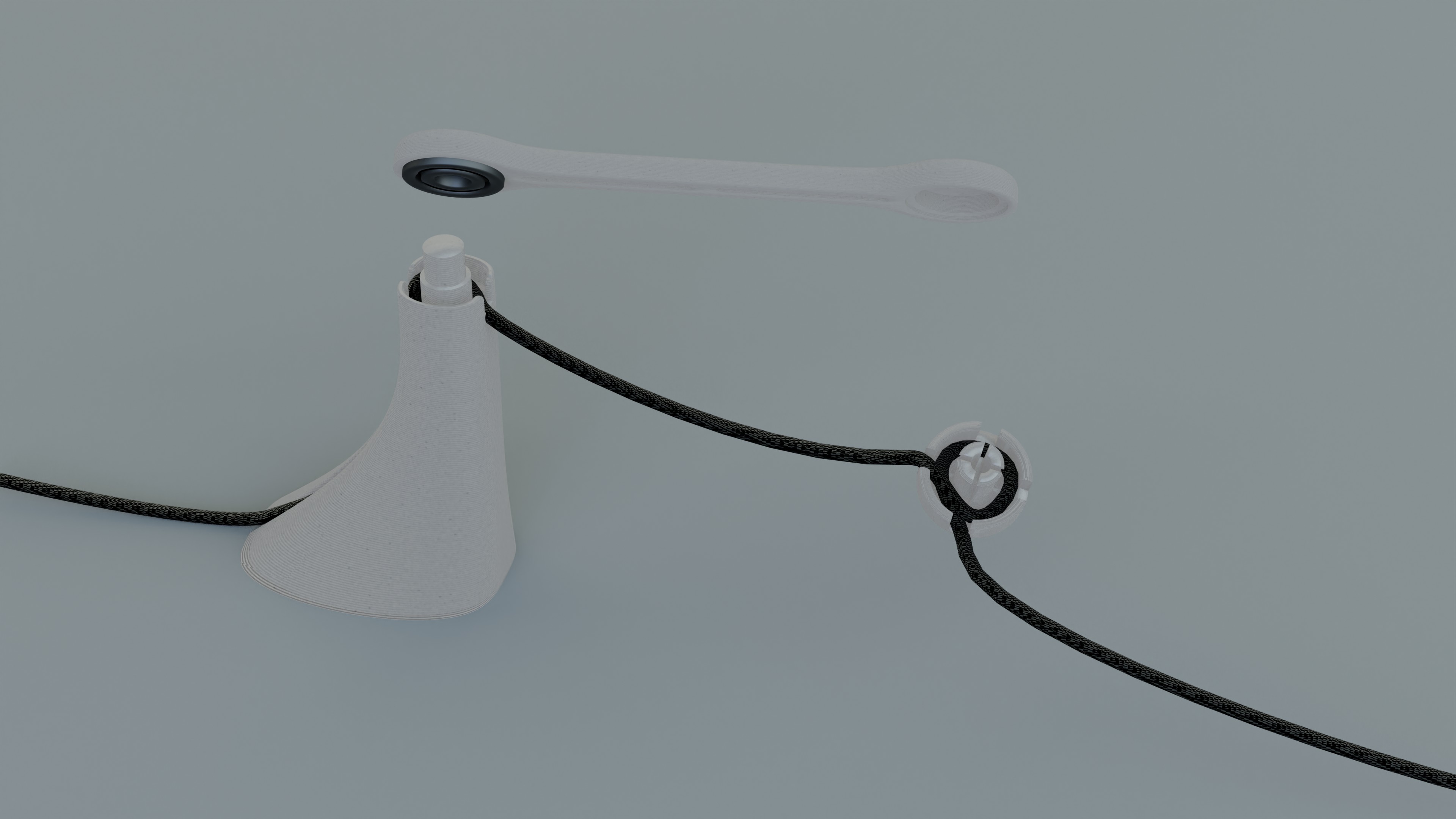
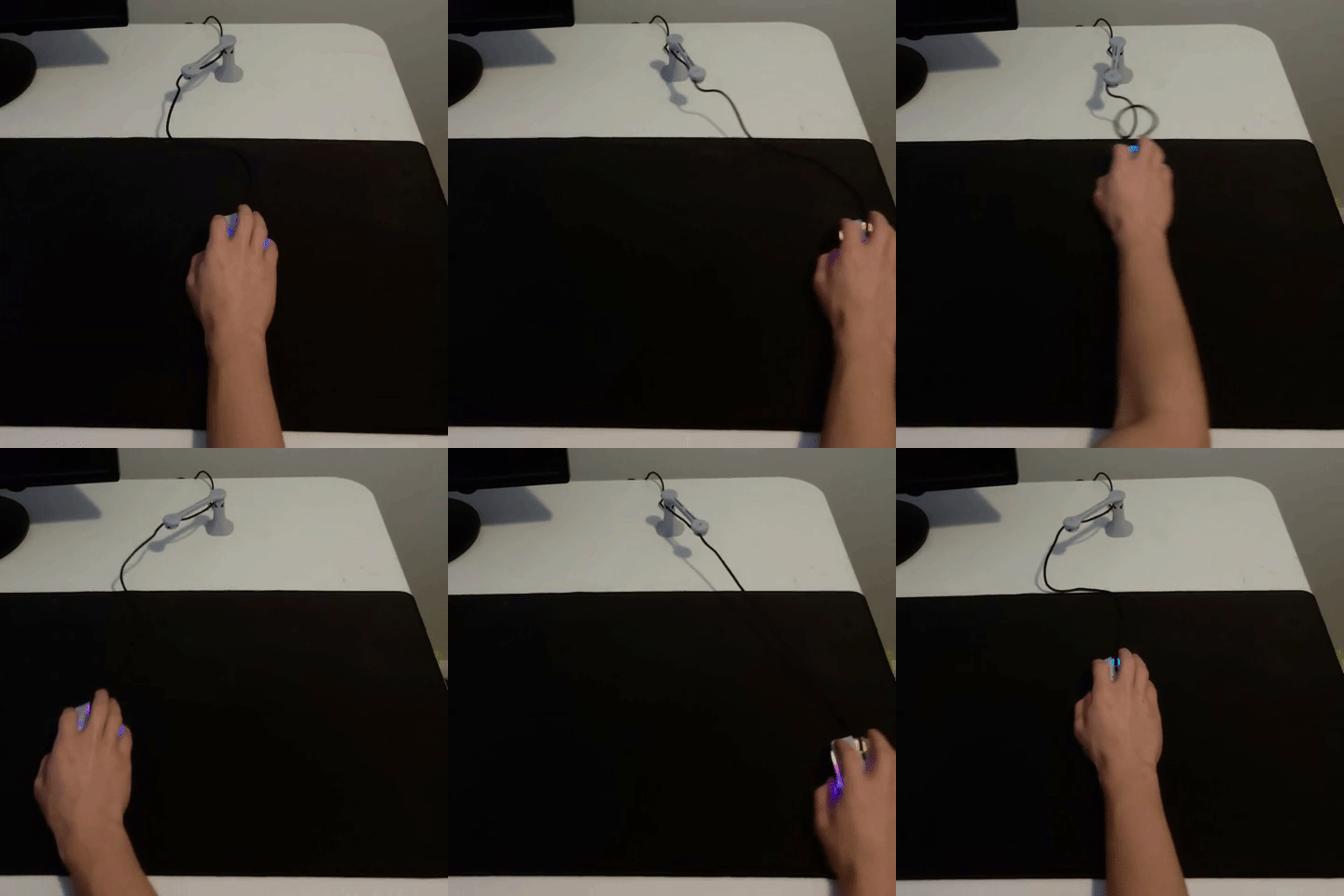
The Roto allows you a variety of setups to give you the best experience. Starting with the base, pick a spot for it that near the top of your mousepad. We suggest that it's placed no farther than one Roto Arm's length away from the top center of your mousepad. Once you've decided on a spot, remove the protective covering from the sticky gel. Once the covering is removed, be careful not to set the Roto on paper, as it will damage the gel.
Now wrap your mouse cord around the center with the cord entering through the south hole and exiting though the west hole (other orientations work too, just personal preference). Leave enough slack in the cable so that you can freely reach all four corners of you mousepad with your mouse. Once you have the cable wraped around the center of the tip, push the tip through the arm to secure. If your cable is too thick to wrap around the center, either pass the cable through the South and North holes or the West and North holes.
For a cable free look, take advanage of the cable routing in the back of the Roto. Remove the Roto's arm from the base, and place the cable in the grooving. Leave some slack between the base and tip to ensure the Roto swings properly! Press the cord firmly into the back channel to achieve the look.